Make a record at handover.
A walkthrough and a handshake can leave details unrecorded. Keep dated photos and notes for when you next need them.
Photograph the handover. Rentscuff automatically turns your photos, notes and timestamps into a professional Proof Receipt you can print, share or email.
Created automatically · kept on-device · ready to print, share or email
The finished product · created automatically
Finish the capture and Rentscuff lays out the item, dates, sections, condition notes, photos, circled scuffs and integrity details as a polished Proof Receipt. No document formatting. No rebuilding the story later.
Real Rentscuff output from a fictional, sanitised rental-car record. No personal data.
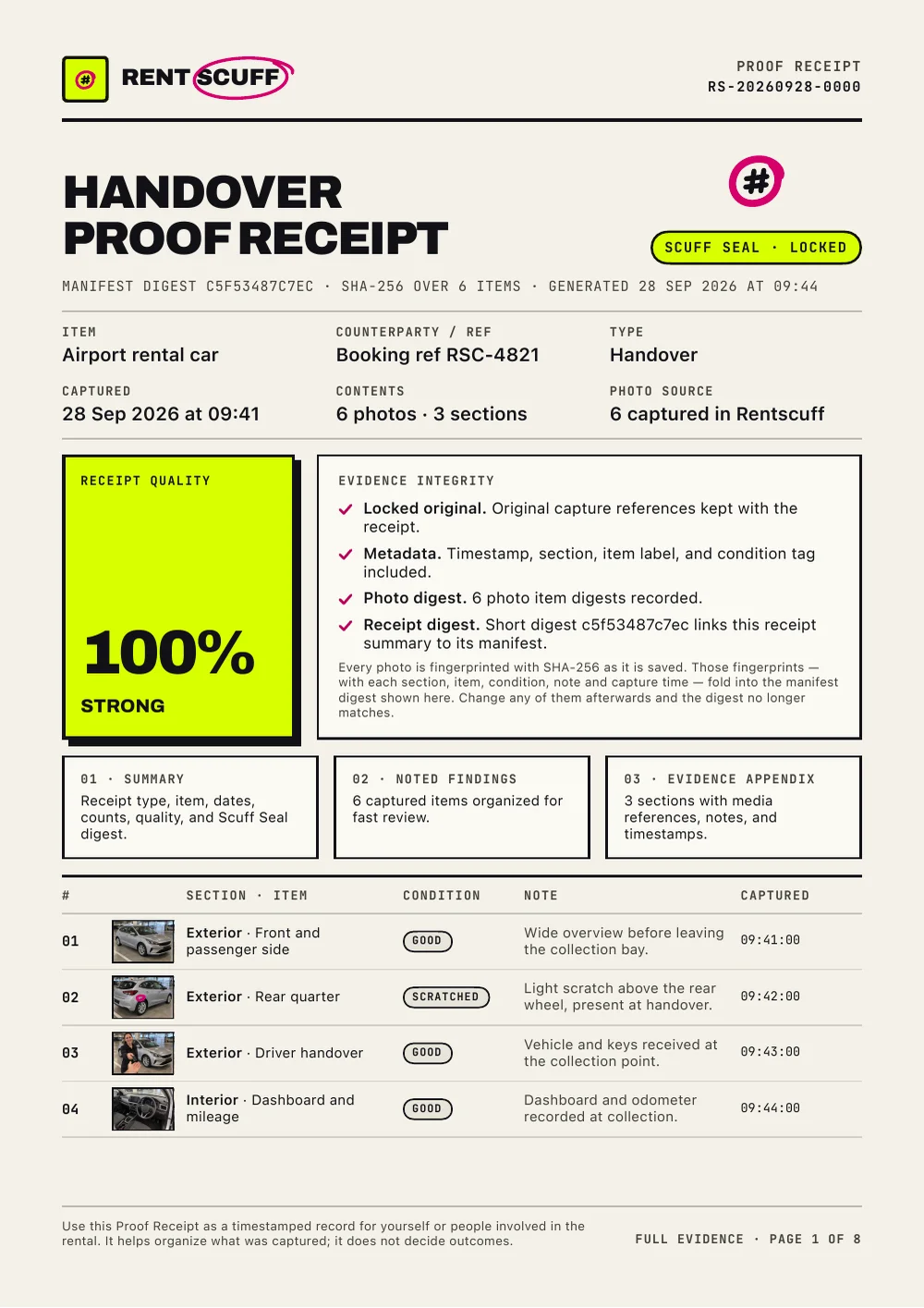 Actual PDF output · page 1 of 8
Why it matters
A walkthrough and a handshake can leave details unrecorded. Keep dated photos and notes for when you next need them.
Photograph existing scuffs and wear at pickup, then record the condition again at return.
Originals, timestamps, sections and notes — kept together, in order, exactly as captured.
Both sides of the handover
Tenants, hire-car drivers, anyone borrowing kit. Record the starting condition at pickup so you have dated photos and notes to refer to at return.
Landlords, hosts, hire shops, anyone lending gear. Record it going out and coming back, then compare the two records side by side.
How it works · four moves
Choose a template with suggested sections, or Quick shoot to start blank and add details as you go.
Capture photos or videos, add notes and tags, and use the shot list when you want guidance.
Tap the scuff to ring it. Tag the condition. Each shot is dated, hashed and locked to the original.
Out comes a timestamped Proof Receipt — every section accounted for, ready to share the day you hand back.
Inside the Proof Receipt · the useful detail
PDF profiles bring together the item, dates, sections, photos with circled scuffs, video poster and still frames, and SHA-256 integrity details. Share original clips and media in the export package; its manifest lets a recipient re-hash the files.
One page. Summary, integrity checks, the item table.
A plate page per photo or clip: marks drawn on the page, poster frame and strip for video, originals untouched.
A copy that survives a photocopier, or the whole package with the originals, the .mov clips and a manifest.
Templates · anything you rent
Every template ships with its own sections so you never miss a corner — rename them, drop what doesn't apply, or add your own before the first shot.
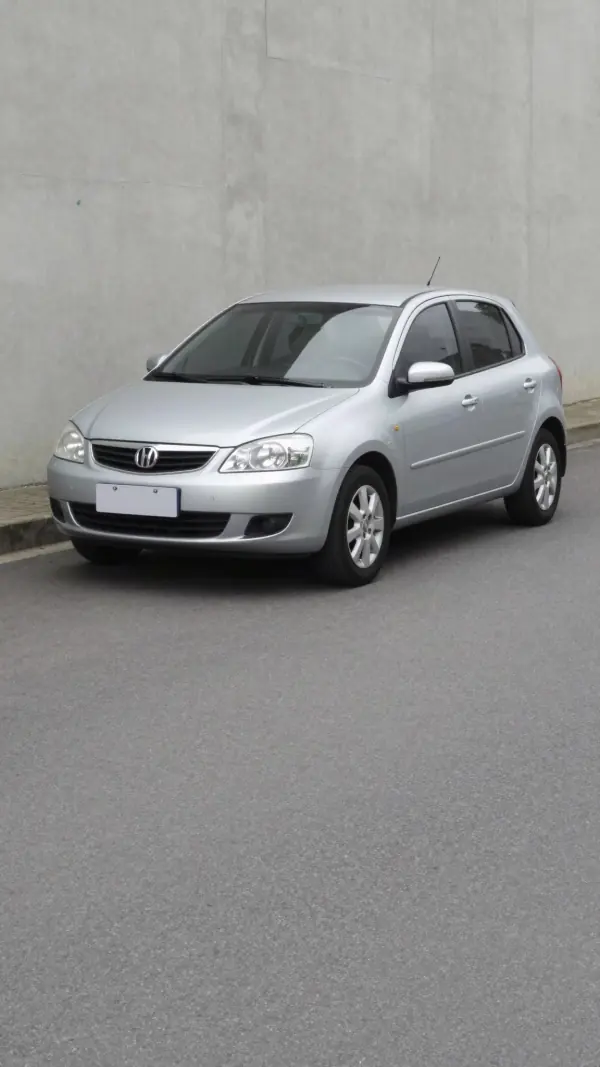
Exterior · Interior · Wheels · Dashboard · Keys
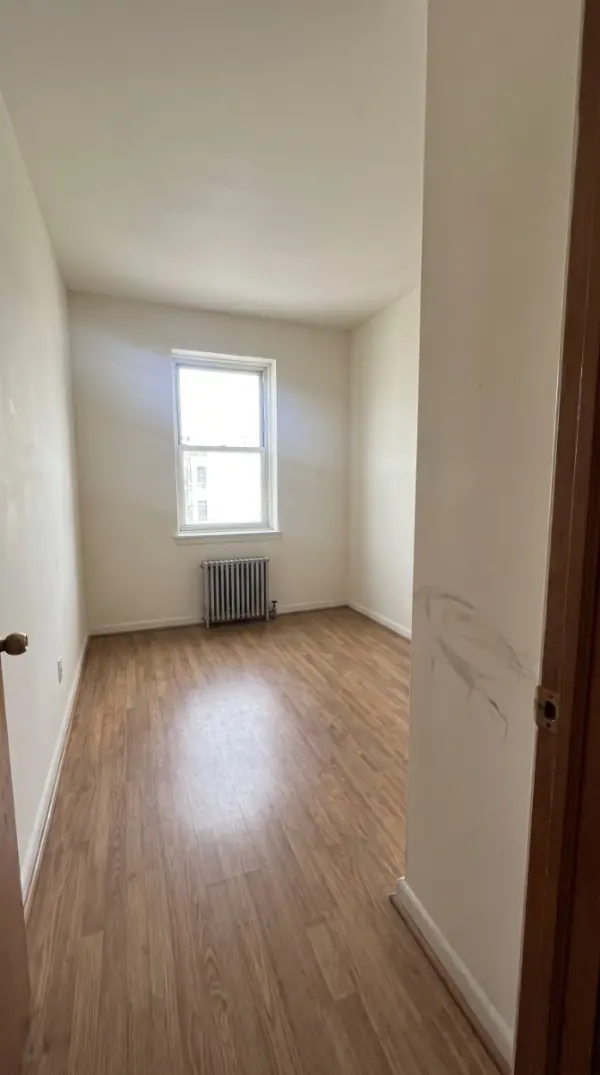
Entry · Living area · Kitchen · Bathroom · Bedroom
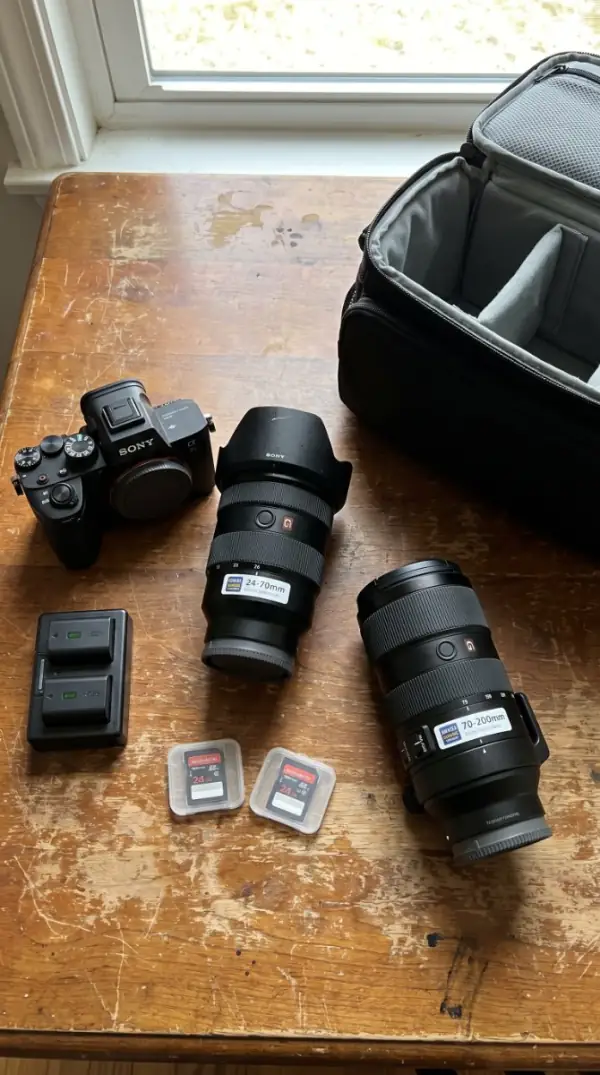
Body · Screen / lens · Ports · Accessories · Serial ID
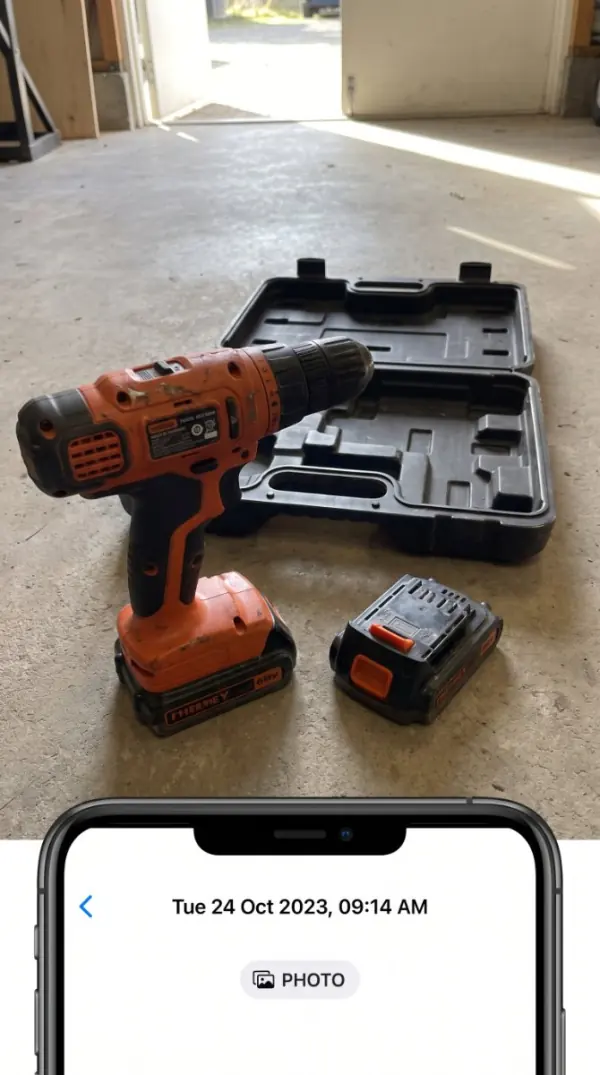
Body · Edges · Battery / cable · Case · Serial ID
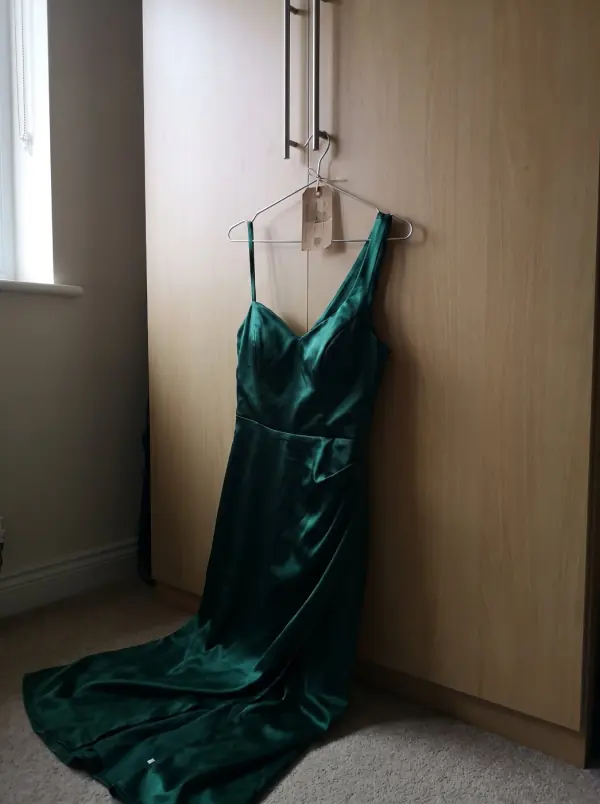
Front · Back · Label · Fasteners · Packaging
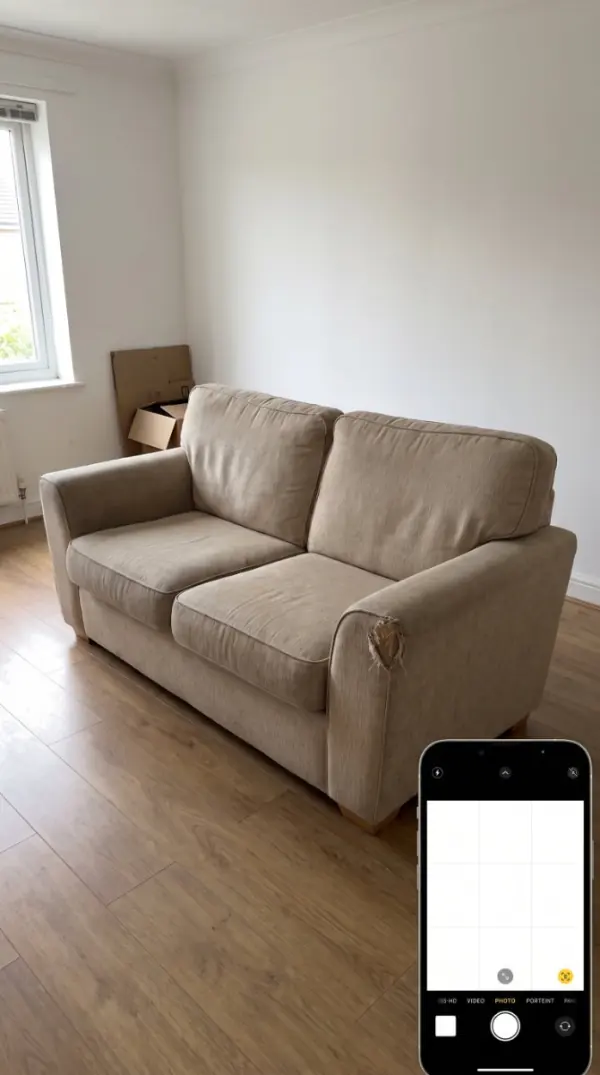
Top · Sides · Legs · Fabric · Hardware
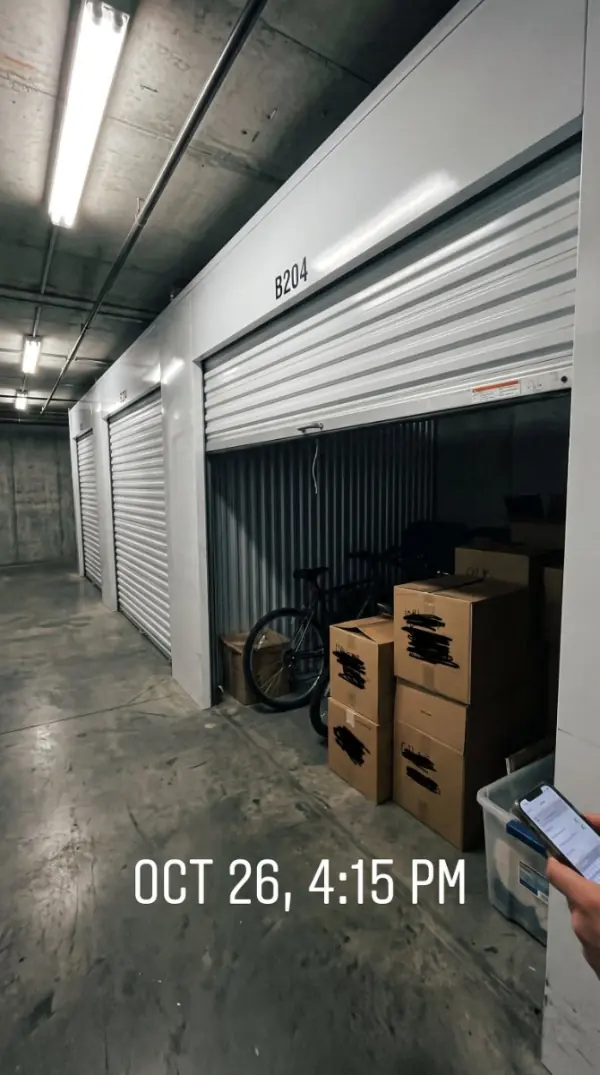
Exterior · Interior · Lock · Label · Contents
Bikes · Boats · Pianos · Drones · Party tents · Scooters
The Scuff Seal
Six states, one glance. No legalese, no ambiguity — the same colours in the app, the Register and on the printed receipt.
Captured and saved locally.
Needs a note, media, or metadata check.
Counterparty note saved.
Shared through iOS export.
Marked for manual review.
Originals and photo checks are kept.
Use the app without creating a Rentscuff account.
Receipts stay on the device where you create them, without automatic sync between devices. They are eligible for device backup; Rentscuff cannot verify a completed backup or restore.
Share a Proof Receipt through the iOS share sheet — you decide where it goes.
Rentscuff organises what you captured. It makes no legal claims on your behalf.
Pricing · pay once, keep it
What you get
All in
One app, every feature
Rentscuff
One-time purchaseOne-time purchase
Own it — no renewals
See the App Store for pricing in your region. No subscriptions or renewals.
Questions · answered straight
Yes. Landlords, hosts and hire shops shoot a Handover receipt when the item goes out and a Return receipt when it comes back; the comparison lines them up section by section and flags what changed. Send the customer the same PDF so both sides can review the same record.
Rentscuff is a practical organiser, not a legal product. It keeps your photos, timestamps and notes together and in order so you have something solid to show — but it makes no legal claims and isn't a substitute for advice.
No. There's no sign-up, no email, no password. Open the app and start shooting proof straight away.
On the device where you create it. Rentscuff does not upload your receipts to us or automatically sync them between devices. Receipts are eligible for device backup, subject to your settings and available storage. You choose what to export or share.
Anything you rent, borrow or hand back: rooms, cars, camera gear, power tools, rented clothing, storage units. If it's not yours forever, receipt it.
See the App Store for pricing in your region. No subscriptions or renewals.
Through the standard iOS share sheet. Send a Proof Receipt as a file, save it to Files, or hand it to a landlord or rental company — your call.
Rentscuff is made for iPhone. There is no Android release date. You can email your Android interest to the team.